Skip to content
SAF Apps

saf SAF CLI

SAF CLI is MITRE SAF™'s command-line tool for security automation. Convert security tool outputs to HDF, summarize test results, validate against thresholds, update InSpec profiles, create attestations, and interface with eMASS - all from your terminal or CI/CD pipeline.
Data Normalization

Convert between security data formats

Easily normalize reports from multiple scanning tools into OHDF, or convert OHDF to your desired data format.
SAF CLI converting security data to OHDF format
Result Summary

Summarize your test results

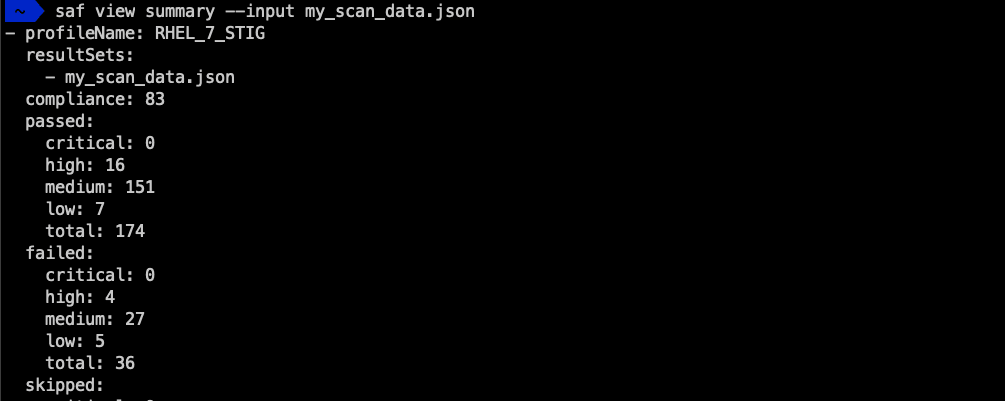
Point SAF CLI to an OHDF file and have it print summary data on control statuses.
SAF CLI summarizing test results
Threshold Validation

Check against thresholds

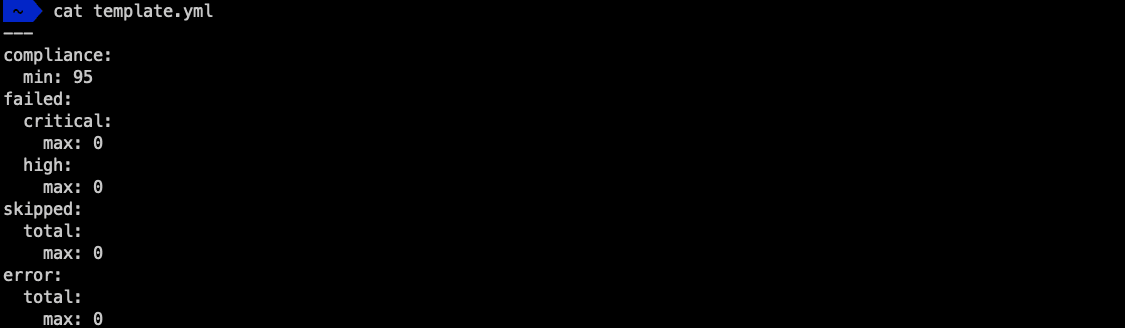
Validate your security data against a fine-grain threshold of compliance that you define for your environment. Useful for defining a go/no-go decision point in a CI/CD pipeline -- ensure that your pipeline will continue to execute if and only if your automated compliance testing passes!
SAF CLI validating against thresholds
Profile Management

Update InSpec profiles

SAF CLI's Delta feature updates the metadata of an InSpec profile against new versions of the baseline guidance the profile implements, and helps identify which controls need their test logic updated by a human being.
SAF CLI delta feature updating InSpec profiles
Attestation Management

Create attestations

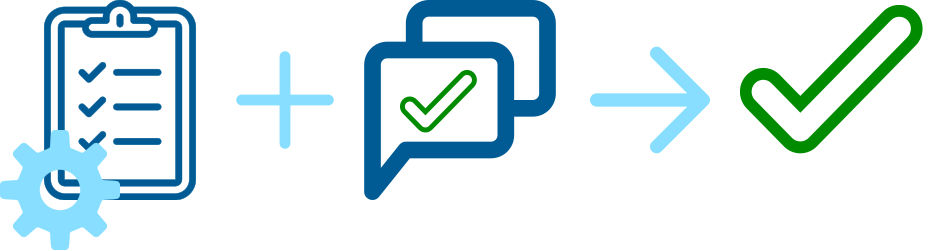
SAF CLI allows you to write an attestation about the state of a manual control, and add it into your automated scanning results data. Add manual data to your automated workflows!
SAF CLI creating attestations for manual controls
eMASS Integration

Interface with eMASS

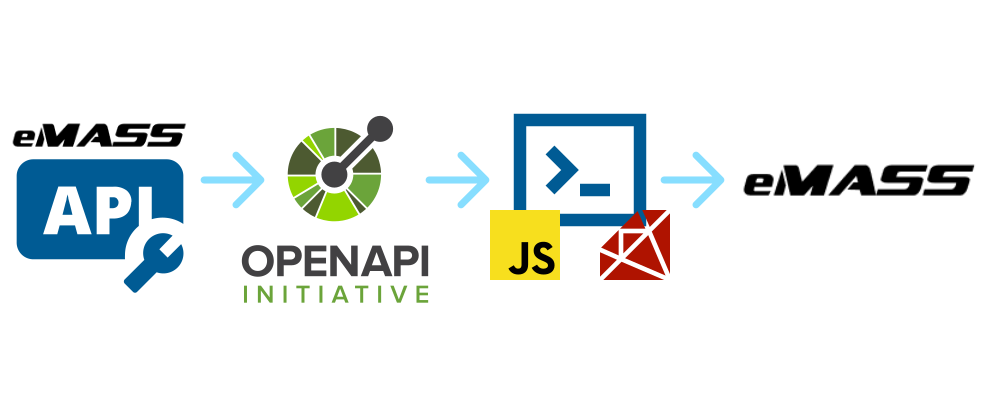
SAF CLI has functions for working with the eMASS API to update control statuses, provide reports to the eMASS server, query eMASS for data, and more. This allows you to interact with eMASS automatically within your pipelines.
SAF CLI interfacing with eMASS
Get Started

Deployment Options

Choose the deployment option that works best for your workflow. SAF CLI can be installed as an NPM package, run as a container, or built from source.

Container Deployment

Run SAF CLI as a containerized application using Docker. Pull the Docker image directly from DockerHub for container orchestration or use in containerized CI/CD pipelines.

NPM Package

Install SAF CLI as a global NPM package for easy command-line access. Use npm or yarn to install and run SAF commands directly from your terminal. Perfect for local development and CI/CD integration.

From Source

Build and run SAF CLI from source code for development or custom builds. Clone the repository, install dependencies, and run locally or contribute to the project.

MITRE Security Automation Framework (MITRE SAF) is a trademark of The MITRE Corporation. Released under the Apache 2.0 License.